一句话去除网页反调试
在生成式 AI 较为强大的今天,即使什么也不会,我们也可以一句话生成油猴脚本,去除较为简单的网页反调试。
注:本篇博客为简易扫盲,如文章有缺漏请在评论区留言,我将持续进行补充,十分感谢。
准备环节
本地安装一个 AI 编程工具/AI Agent 工具(后面简称为 AI 工具),具体软件的安装方法这里不再赘述。我使用的是 Codex CLI 搭配 GPT-5.6 Sol 模型。
实践环节
生成油猴脚本
粘贴以下提示词:
https://example.com 是我自己的测试站点,希望能生成一个油猴脚本去除反调试
把 https://example.com 换成你想去除的目标站点。
在目录下会生成一个 .js 后缀的文件,那个就是我们要的目标文件。
使用油猴脚本
你可以在浏览器安装并启用 Tampermonkey(篡改猴) 插件。
安装完成后点击插件图标,弹出的下拉栏中有一个“添加新脚本”,点击它。
弹出的页面包含了一段内容,不用管它。
点击上面一排按钮的“文件”,下拉框里的“打开”,然后找到硬盘上的你刚才的那个 .js 文件。网页弹窗问你是否要覆盖,确认即可。
如果你一下找不到,可以回到 AI 工具,让生成式 AI 告诉你当前项目目录。
当前页面已经是刚才的 .js 文件后,你可以点击上面一排按钮的“文件”,下拉框里的“保存”(也可以直接使用快捷键 Ctrl+S(Windows/Linux)或Cmd+S(macOS))。
恭喜你,成功导入了油猴脚本。
进行测试
再次访问想去除的目标站点,确认效果。如果有问题可以回到 AI 工具,将问题告诉 AI,进行改进。
相关文章分享
从来没有一种方法能真正的禁用开发者工具,反而只会恶心到用户和开发者。
这么做非但是掩耳盗铃、防君子不防小人的,更是存在激怒正常来访的用户的可能。
以这种视角来重新审视上述情况,就不难觉得这是一种冒犯他人的行为了。
如果访客使用不禁用自动播放的浏览器浏览有自动播放多媒体资源的网页,可能使访客的设备发出意料之外的声音,从而导致意外的社会影响。
把时间花在写单元测试上,花在后端权限重构上,花在改善用户体验上吧!
示例分享
示例 1 20260731 d-d(dot)design
去除该站点的反调试,吓人鬼图和鬼叫。
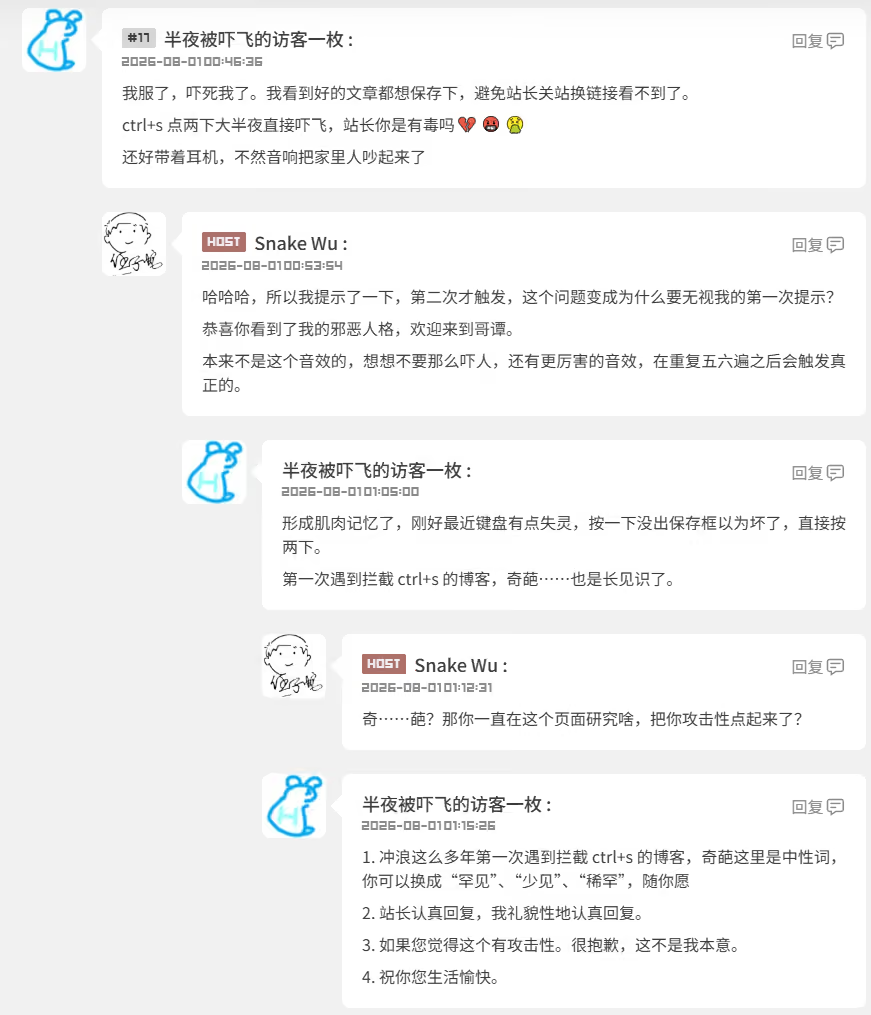
冲浪这么多年,第一次遇到拦截页面保存键,然后弹鬼图还鬼叫的网站,奇葩。
已经过站长许可,尊重站长意愿“把攻击性点起来”
// ==UserScript==
// @name         d-d.design Debug Unlock
// @namespace    https://d-d.design/
// @version      1.0.0
// @description  Disable the site's DevTools traps, blocked shortcuts, context-menu lock, and prank audio.
// @match        https://d-d.design/*
// @run-at       document-start
// @grant        none
// @sandbox      raw
// @inject-into  page
// ==/UserScript==

(() => {
  "use strict";

  if (window.__DD_DEBUG_UNLOCK__) return;

  const state = {
    active: true,
    blockedEvents: 0,
    blockedTimers: 0,
    blockedRewrites: 0,
    blockedAudio: 0,
  };

  Object.defineProperty(window, "__DD_DEBUG_UNLOCK__", {
    value: state,
    configurable: false,
    enumerable: false,
    writable: false,
  });

  const devtoolKeys = new Set(["i", "j", "c"]);
  const commandKeys = new Set(["c", "p", "s", "u"]);

  function isBlockedShortcut(event) {
    const key = String(event.key || "").toLowerCase();
    const command = event.ctrlKey || event.metaKey;

    return (
      key === "f12" ||
      (command && commandKeys.has(key)) ||
      (event.ctrlKey && event.shiftKey && devtoolKeys.has(key)) ||
      (event.metaKey && event.altKey && devtoolKeys.has(key))
    );
  }

  function shieldEvent(event) {
    if (
      event.type === "contextmenu" ||
      event.type === "cant-do-it:open" ||
      (event.type === "keydown" && isBlockedShortcut(event))
    ) {
      state.blockedEvents += 1;
      event.stopImmediatePropagation();
    }
  }

  // Register first and do not call preventDefault(), so browser shortcuts still work.
  window.addEventListener("keydown", shieldEvent, true);
  window.addEventListener("contextmenu", shieldEvent, true);
  window.addEventListener("cant-do-it:open", shieldEvent, true);

  const nativeAddEventListener = EventTarget.prototype.addEventListener;
  EventTarget.prototype.addEventListener = function patchedAddEventListener(
    type,
    listener,
    options,
  ) {
    if (this === window && type === "resize" && typeof listener === "function") {
      const source = Function.prototype.toString.call(listener);
      if (source.includes("checkWindowSizeUneven")) {
        state.blockedEvents += 1;
        return undefined;
      }
    }

    return nativeAddEventListener.call(this, type, listener, options);
  };

  const nativeSetInterval = window.setInterval;
  window.setInterval = function patchedSetInterval(handler, delay, ...args) {
    if (Number(delay) === 50 && typeof handler === "function") {
      const source = Function.prototype.toString.call(handler);
      if (source.includes("isSuspend") && source.includes(".detect(")) {
        state.blockedTimers += 1;
        return 0;
      }
    }

    return nativeSetInterval.call(this, handler, delay, ...args);
  };

  const innerHTMLDescriptor = Object.getOwnPropertyDescriptor(
    Element.prototype,
    "innerHTML",
  );

  if (innerHTMLDescriptor?.get && innerHTMLDescriptor?.set) {
    Object.defineProperty(Element.prototype, "innerHTML", {
      configurable: innerHTMLDescriptor.configurable,
      enumerable: innerHTMLDescriptor.enumerable,
      get: innerHTMLDescriptor.get,
      set(value) {
        const html = String(value);
        if (
          this === document.documentElement &&
          html.includes("我就是不想让你进调试")
        ) {
          state.blockedRewrites += 1;
          return;
        }

        return innerHTMLDescriptor.set.call(this, value);
      },
    });
  }

  const prankAudioPattern =
    /(?:woman-cute-silly|ciao-ciao|dat-evil-laugh)[^/]*\.mp3(?:$|[?#])/i;
  const nativePlay = HTMLMediaElement.prototype.play;

  HTMLMediaElement.prototype.play = function patchedPlay(...args) {
    const source = this.currentSrc || this.src || "";
    if (prankAudioPattern.test(source)) {
      state.blockedAudio += 1;
      return Promise.resolve();
    }

    return nativePlay.apply(this, args);
  };

  console.info("[d-d.design Debug Unlock] active");
})();
示例 2 20260801 vull(dot)top
站长亲自投稿。
// ==UserScript==
// @name         vull.top Debug Unlock
// @namespace    https://vull.top/
// @version      1.0.0
// @description  Remove vull.top's key and context-menu traps without blocking browser defaults.
// @match        https://vull.top/*
// @match        http://vull.top/*
// @run-at       document-start
// @grant        none
// @sandbox      raw
// @inject-into  page
// ==/UserScript==

(() => {
  "use strict";

  if (window.__VULL_DEBUG_UNLOCK__) return;

  const state = {
    active: true,
    blockedEvents: 0,
    blockedAlerts: 0,
  };

  Object.defineProperty(window, "__VULL_DEBUG_UNLOCK__", {
    value: state,
    configurable: false,
    enumerable: false,
    writable: false,
  });

  function isProtectedShortcut(event) {
    const key = String(event.key || "").toLowerCase();
    const keyCode = Number(event.keyCode || event.which);
    const command = event.ctrlKey || event.metaKey;

    return (
      key === "f12" ||
      keyCode === 123 ||
      (command && event.shiftKey && (key === "i" || keyCode === 73)) ||
      (command && (key === "u" || keyCode === 85)) ||
      (command && (key === "s" || keyCode === 83))
    );
  }

  function shield(event) {
    if (event.type === "contextmenu" || isProtectedShortcut(event)) {
      state.blockedEvents += 1;
      // Stop vull.top's document handler, but preserve the browser default action.
      event.stopImmediatePropagation();
    }
  }

  window.addEventListener("keydown", shield, true);
  window.addEventListener("contextmenu", shield, true);

  const nativeAlert = window.alert;
  const protectedAlert = /rpvvn\.top|不许按|你不许看|哎哟|求求你了不要看|你想干嘛/;

  window.alert = function patchedAlert(message) {
    if (protectedAlert.test(String(message))) {
      state.blockedAlerts += 1;
      return undefined;
    }

    return nativeAlert.call(this, message);
  };
})();
3